
Most operating systems and DNS clients will automatically cache IP addresses and other DNS results, this is done in order to speed up subsequent requests to the same hostname. Sometimes bad results will be cached and therefore need to be cleared from the cache in order for you to communicate with the host correctly. All major operating systems allow you to force this process. Outlined below are the common steps you will need to follow in order to flush your DNS cache.
Windows
- Press WIN + R. This will open up a run command box.
- Type cmd in box and hit enter or press OK.
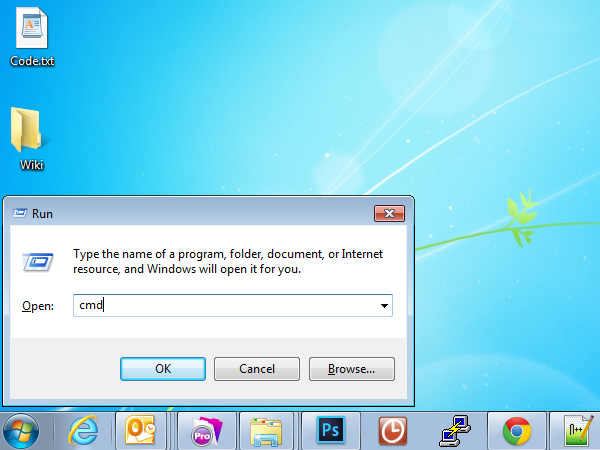
- In the command prompt, type in the following code
ipcofig/flushdnsand hit enter.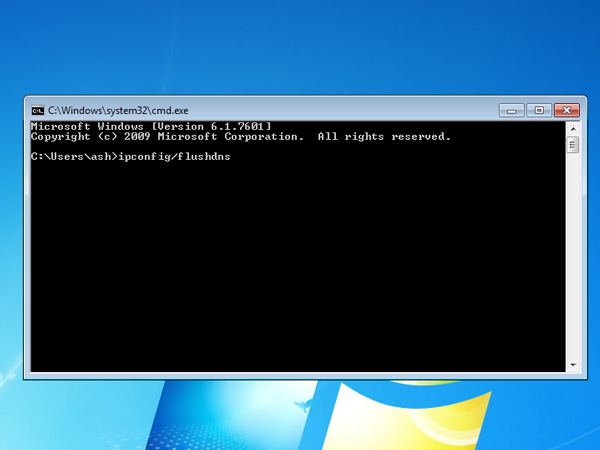
MAC
- Open Terminal
- Type in the following command in terminal
sudo dscacheutil -flushcacheand hit enter.